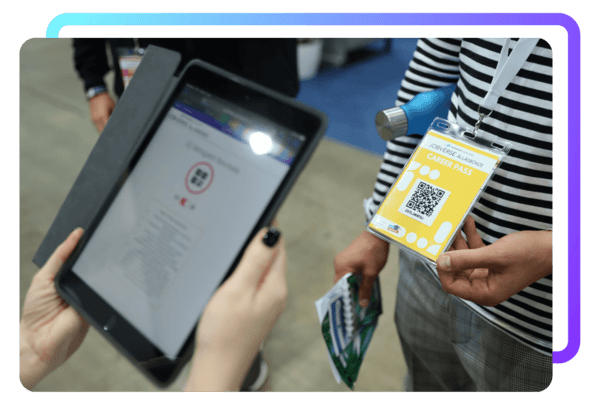
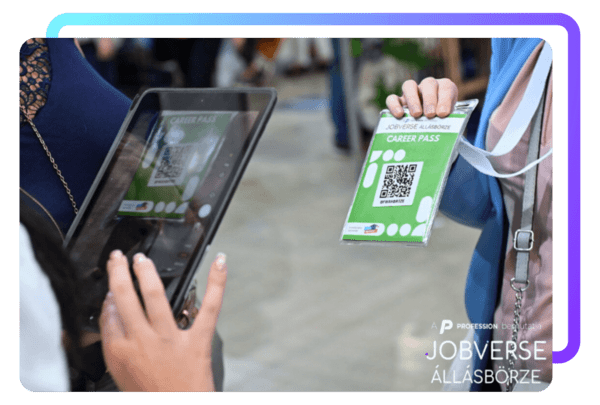
1. Open the camera on the iPad you received and scan the QR code on the Career Pass.
2. Click the pop-up window to link them to the jobs you've uploaded to your microsite. You can also add comments and rate candidates using stars.
Important! Don't forget to save at the end, because only then will the profile be registered!
You can view the list of job seekers you have already registered at any time during the event by checking the “Saved Visitors” section.
You will be able to download candidates in the evening of the 2nd day of the event. Once the download is activated, the primary contact will be notified by email.
The Download menu will become active on Monday at 9:00 AM during the week following the career fair, meaning that you will already be able to get in touch with the candidates in the week after the event.
This interface will be activated the day after the event, of which you will be notified about by e-mail.
You can download the data of the recorded visitors in two formats: